Edit like a Ninja.
Speed. Precision. Flow.
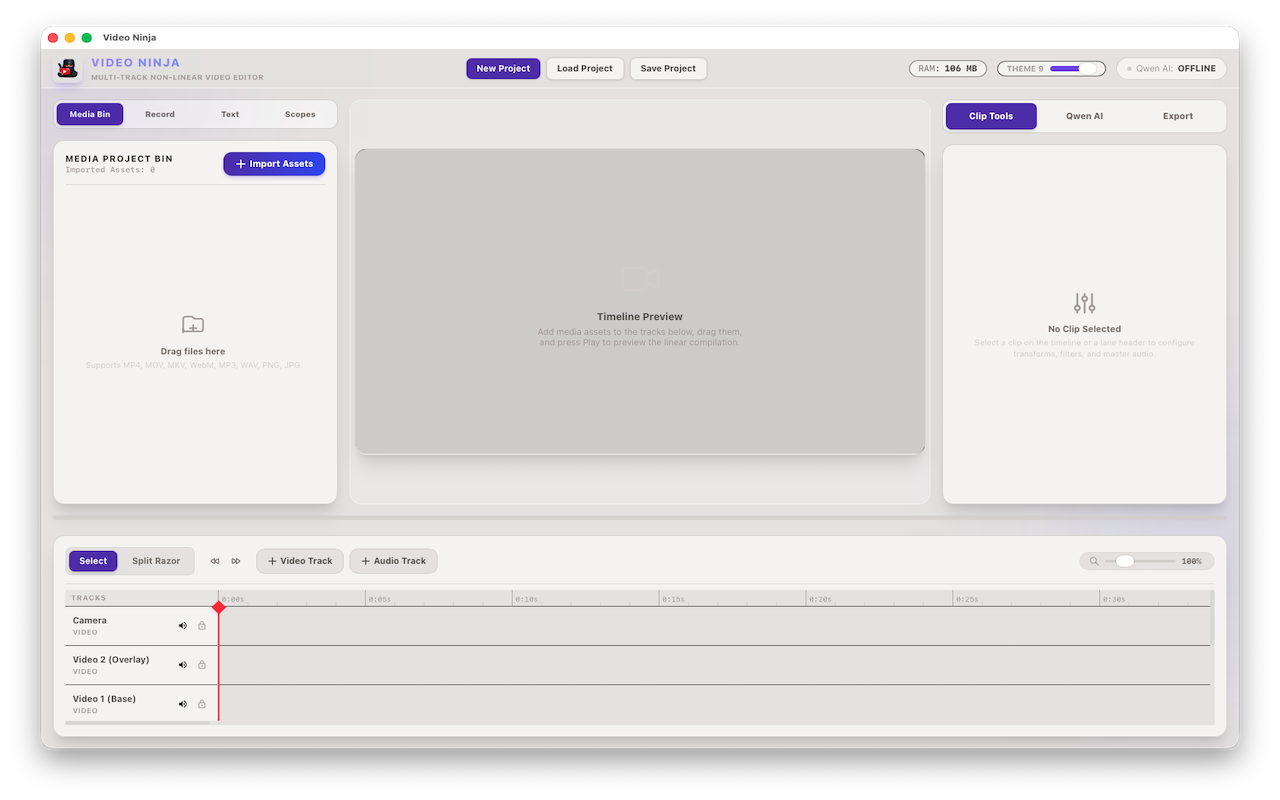
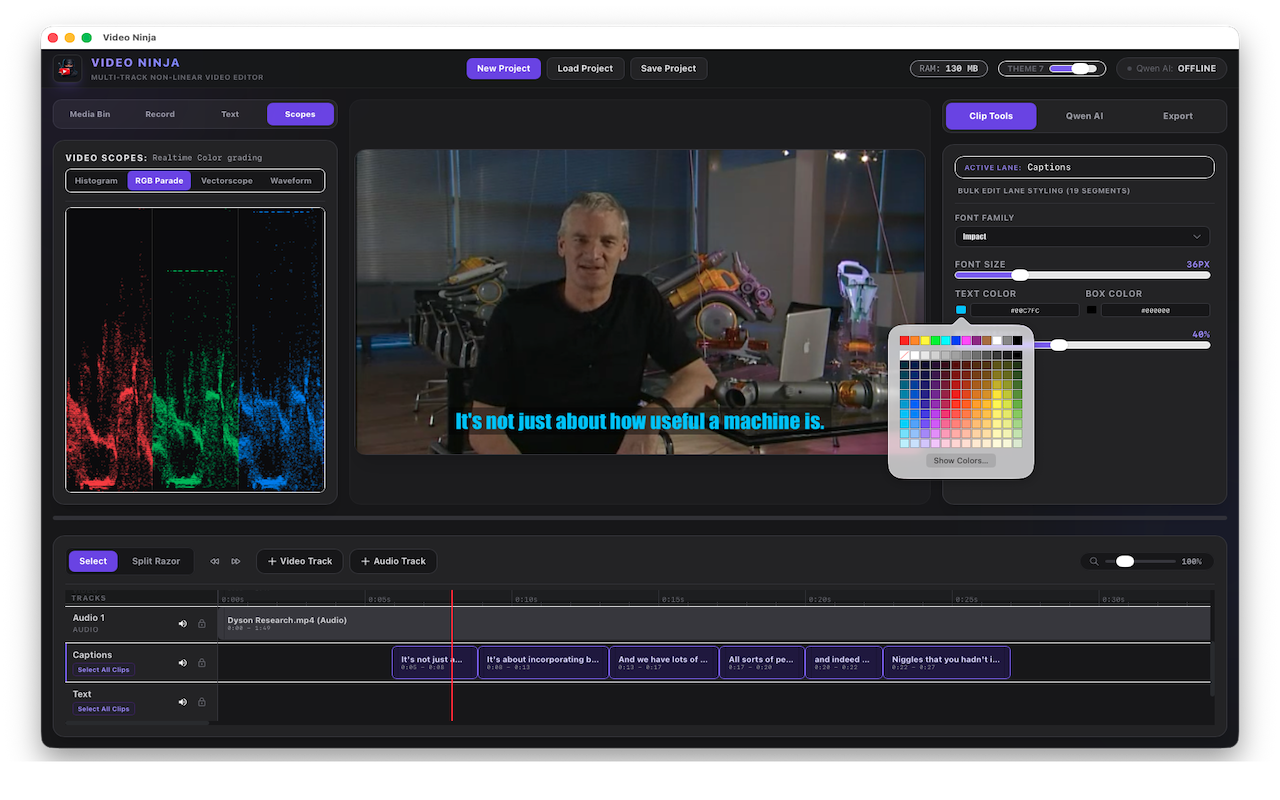
Multi-track timeline, AI transcription, color grading, scopes, and batch export — all in one sleek app.
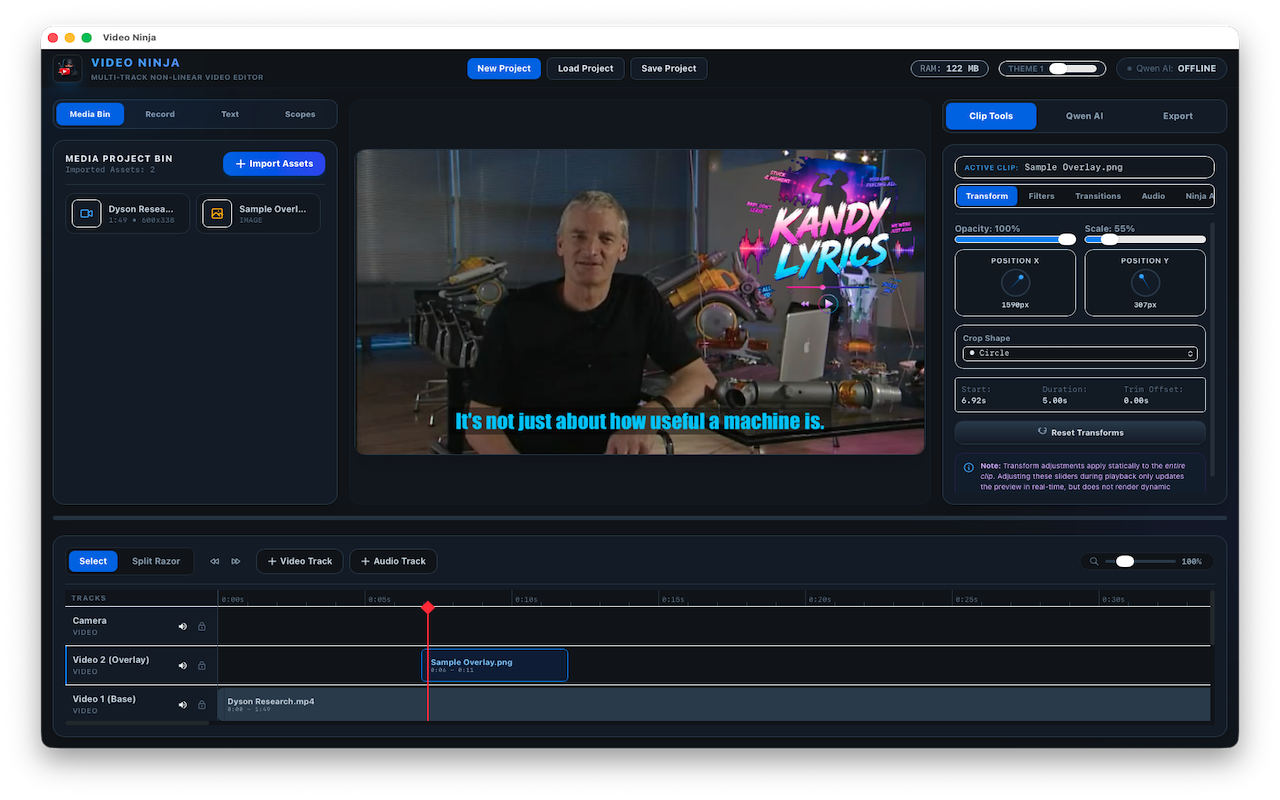
Smart project lifecycle
Create, auto-save (every 30s), load .vnj projects, and reset without losing your flow.
background saveNon-linear timeline
Base, overlay, camera, audio, captions, text tracks. Split, trim, lock, mute, and bulk select.
S hotkeyUndo / redo
Full history tracking up to 100 actions — edit fearlessly.
Media bin + proxies
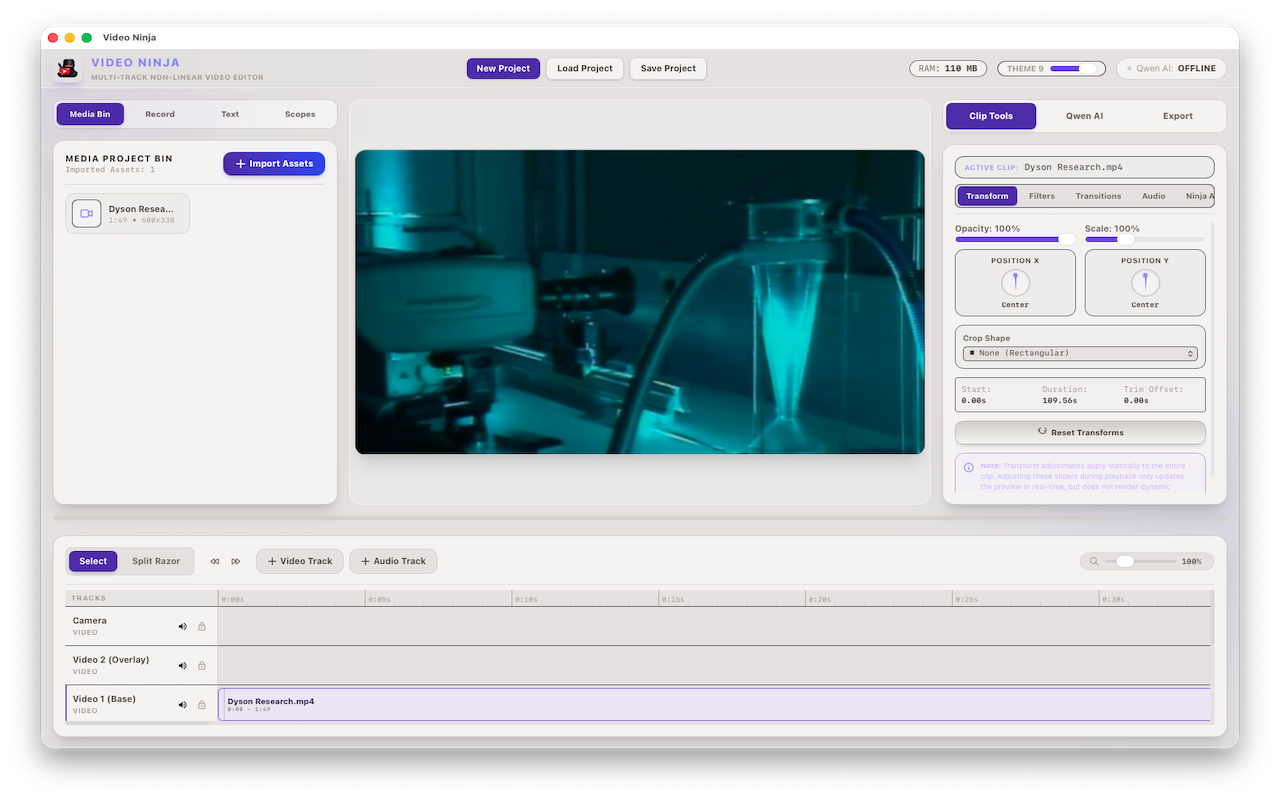
Import video, audio, images. Generate proxy files for buttery-smooth preview.
Position & scale
X/Y offset, size, opacity, crop shapes (circle, rounded, square).
Chroma key
Green-screen with custom color & sensitivity.
Transitions
Crossfade, fade to black, slide/wipe with custom duration.
Color grading
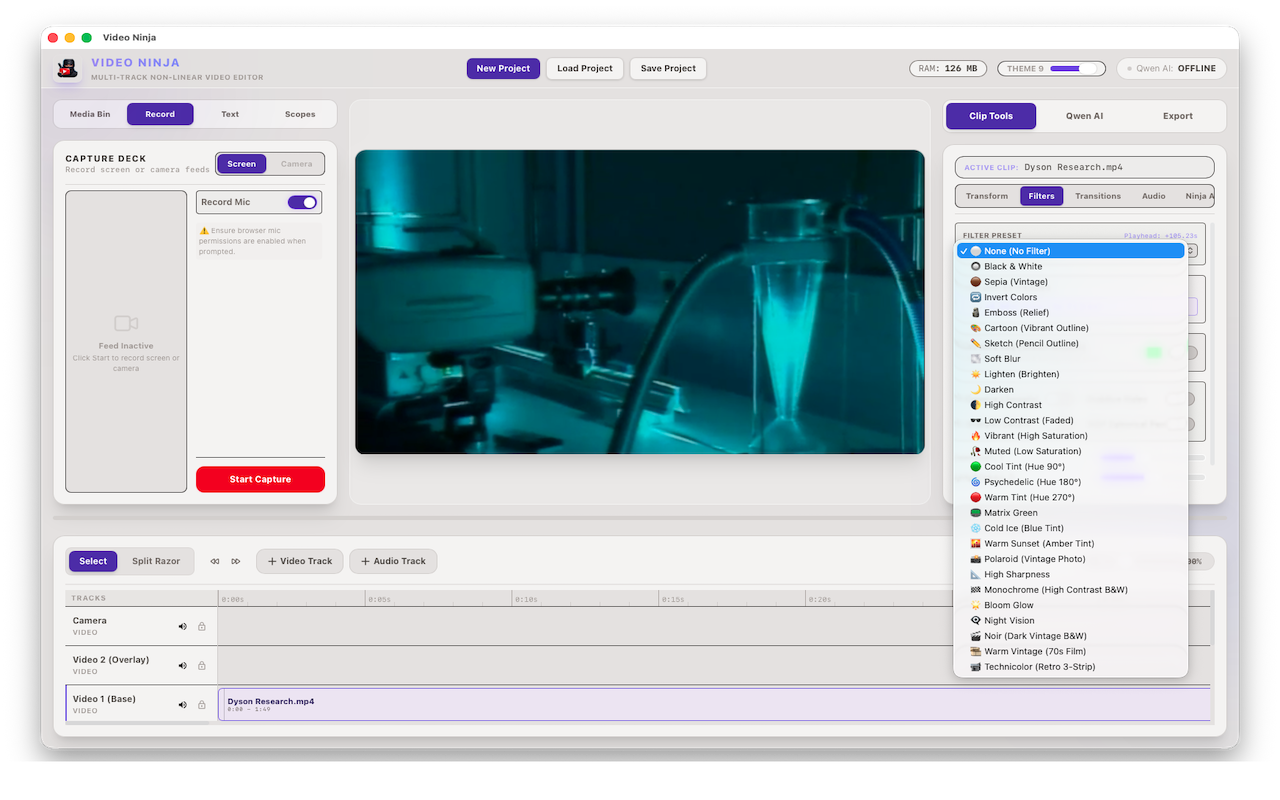
Contrast, brightness, saturation, hue. Plus 12+ filter presets.
Stabilize & denoise
Image stabilization, spatial denoise, sharpening.
360° preview
Spherical video processing ready.
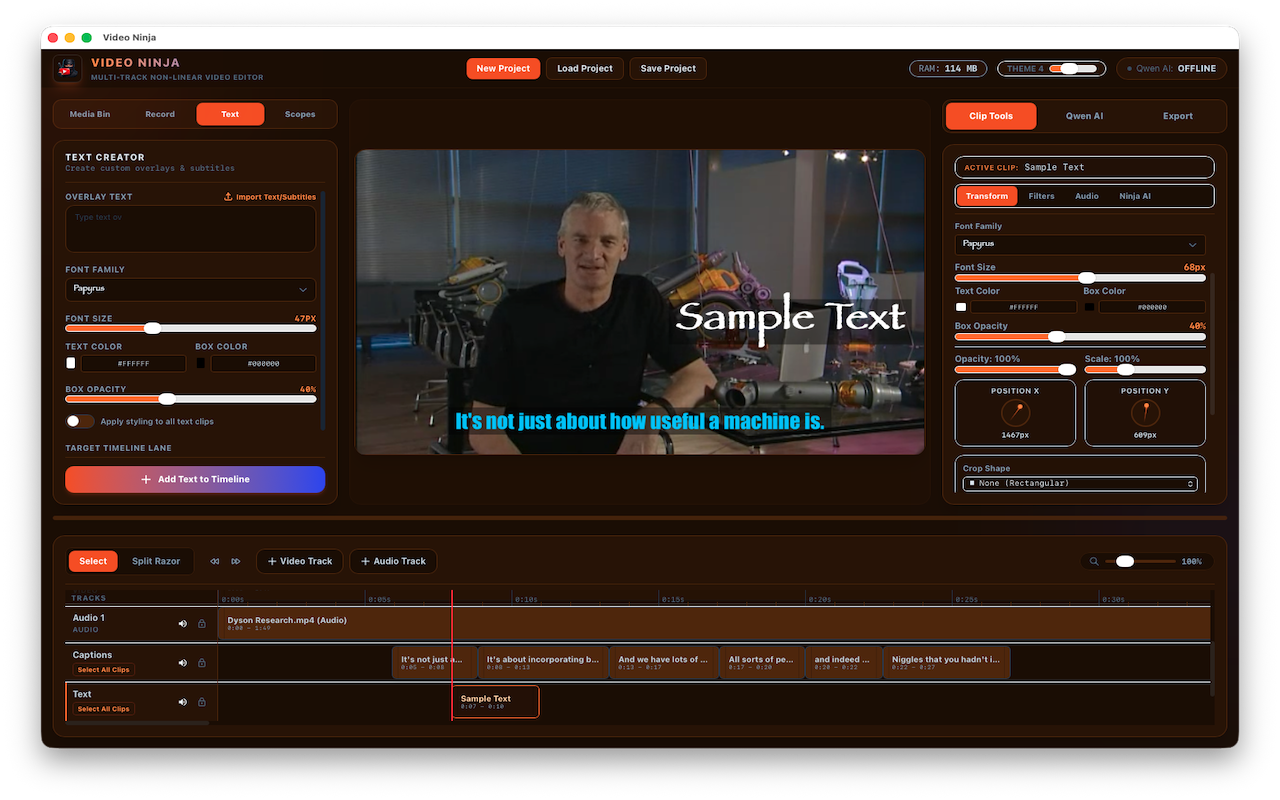
Subtitles & annotations
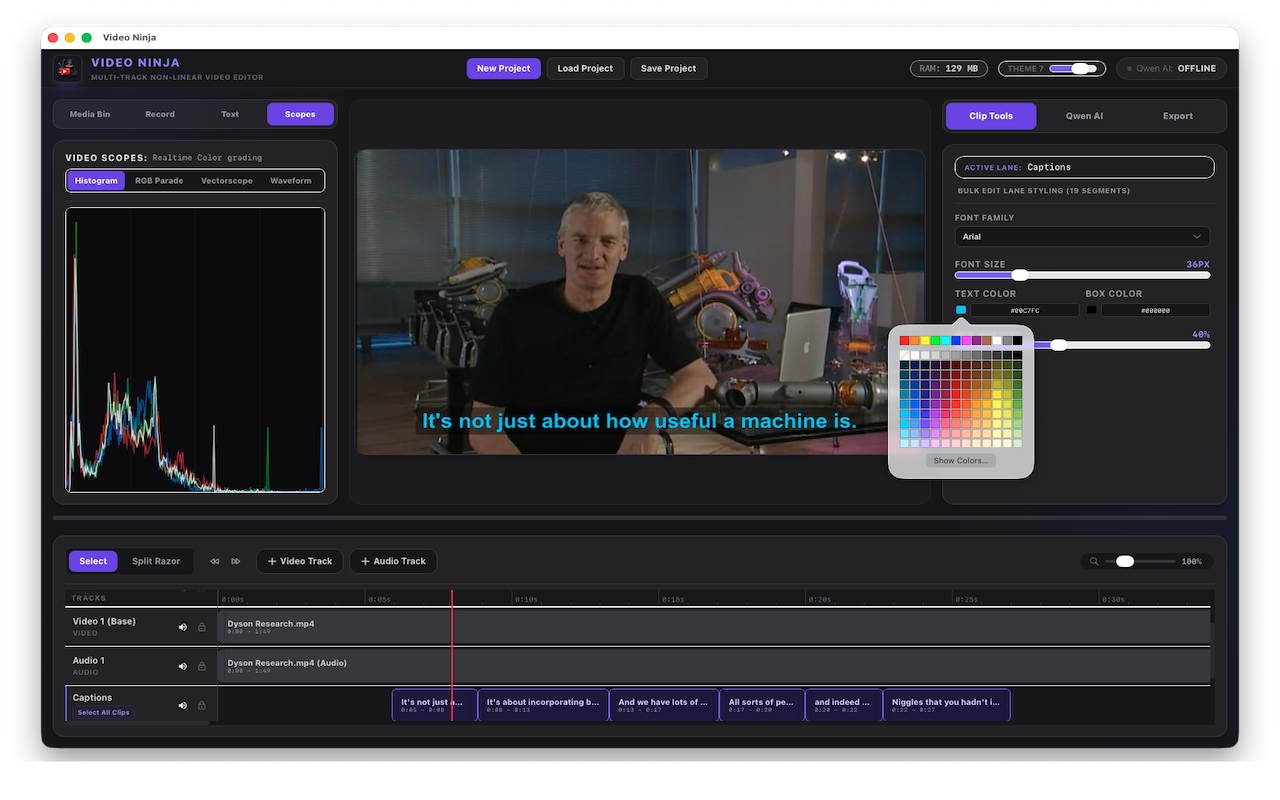
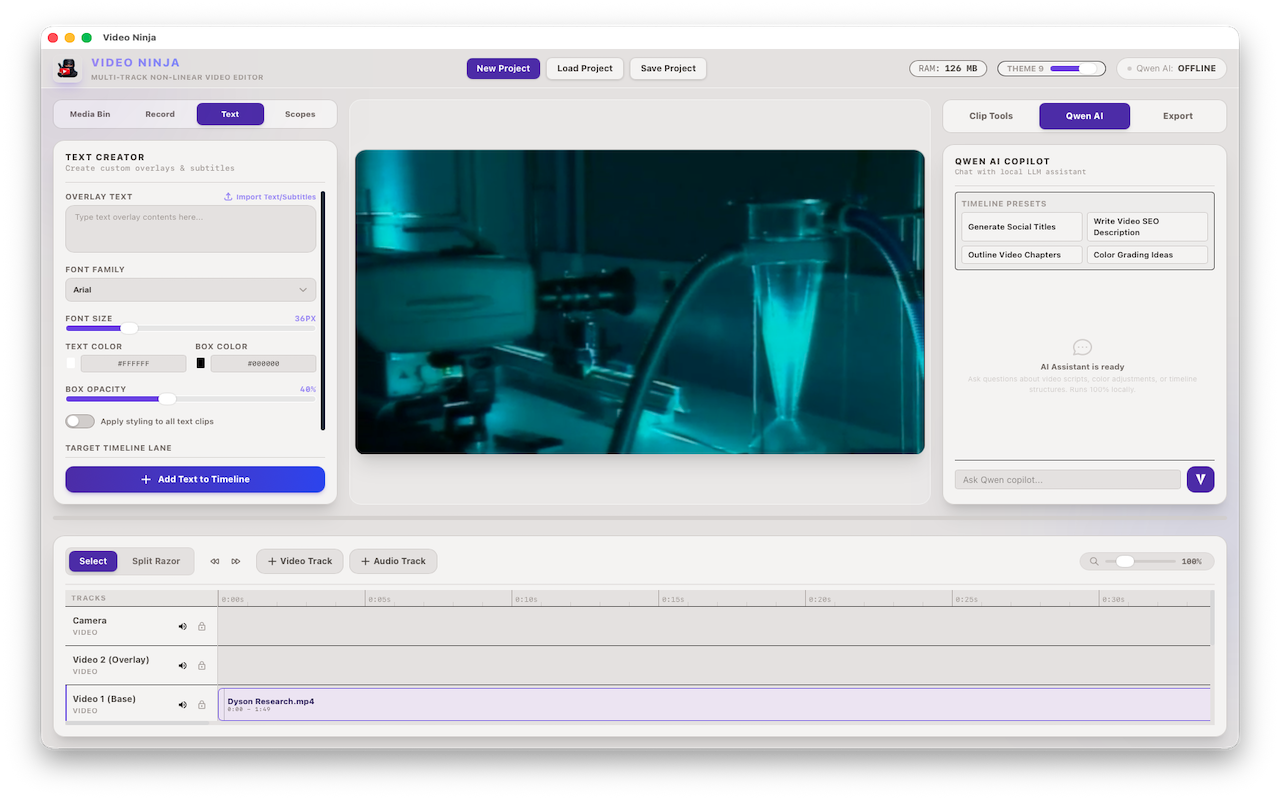
Import SRT/WebVTT, AI auto-transcription (Whisper). Bulk styling: font, size, color, padding, auto-wrap.
hybrid font resolverAudio controls
Clip/track volume, AI voice isolation (spectral enhancement), and audio spectrum visualizers.
Screen & webcam
Record full desktop, webcam with overlay, and microphone audio.
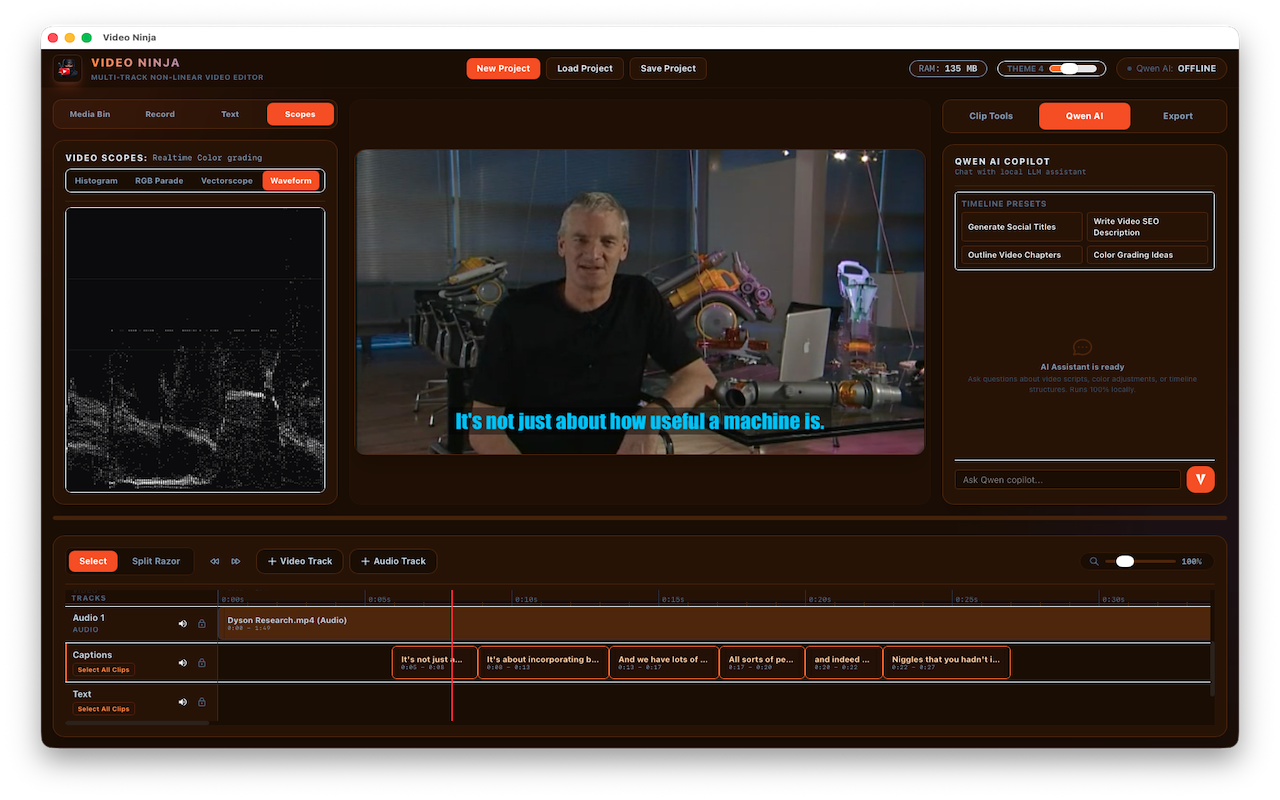
Video scopes
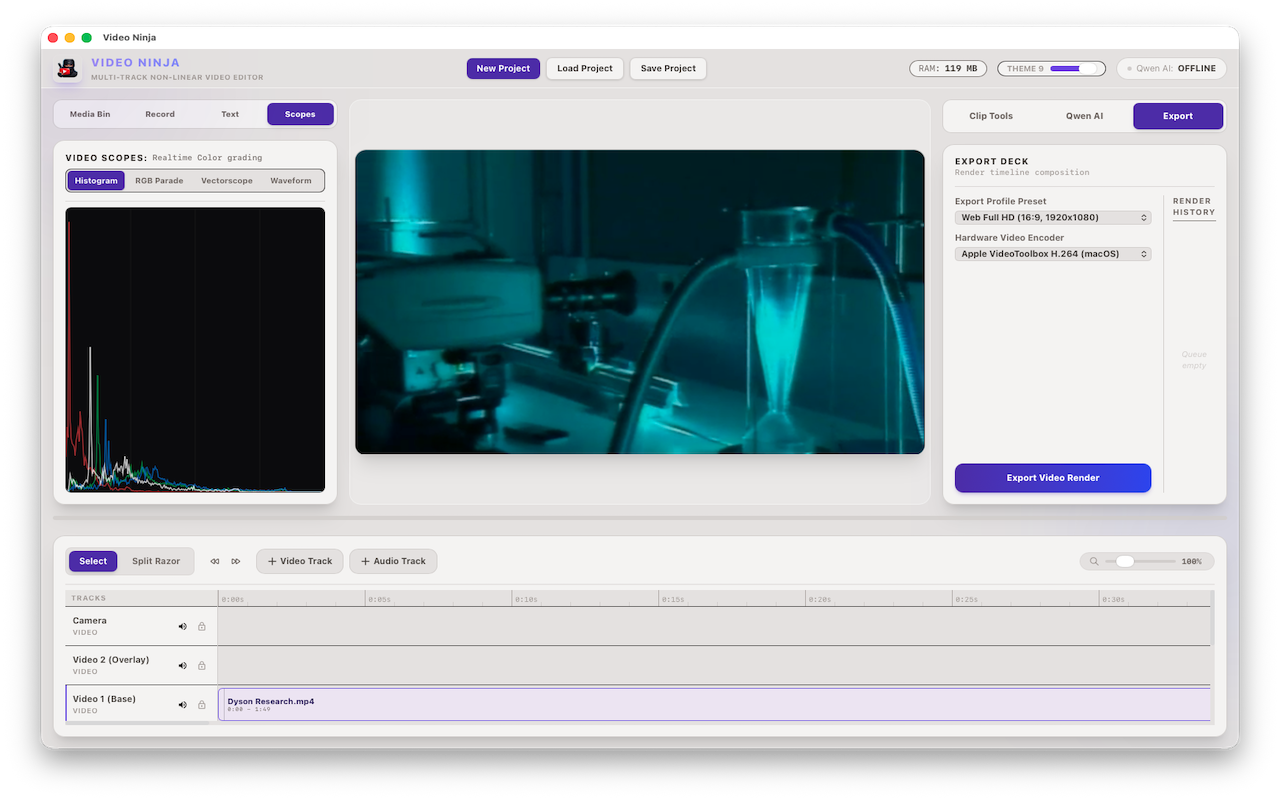
RGB parade, waveform, vectorscope, histogram — real-time.
Voice isolation
Speech enhancement, highpass filters, noise gate, EQ.
Export profiles
Social (9:16), Web (16:9), Master (original). Hardware acceleration: VT, NVENC, QSV, AMF.
batch queueHigh-performance
GPU-accelerated rendering, proxy workflow, smooth 4K editing.
Support
We're here to help! If you have any questions, feature requests, or need assistance with Video Ninja, please reach out to us through the App Store. We monitor reviews regularly and respond to every query.
Privacy Policy
Last updated: June 2026
Video Ninja ("we", "our", or "us") respects your privacy. This Privacy Policy explains how we handle your information when you use our macOS application.
Information We Collect
Video Ninja does not collect, store, or transmit any personal data, analytics, or usage statistics. All project files, media assets, and settings remain locally on your device. We do not have access to your content.
Local Storage
All data — including project files (.vnj), auto-saves, media imports, and export outputs — are stored exclusively on your local machine. You have full control over your files and may delete them at any time.
Third-Party Services
Video Ninja does not integrate with any third-party analytics, advertising, or data collection services. No data is sent over the internet.
App Store Purchases
Purchases are handled entirely by Apple's App Store. We do not receive or store your payment information. Please refer to Apple's Privacy Policy for details on how your purchase data is handled.
Your Rights
Since no personal data is collected, there is no data to access, modify, or delete. All your content remains yours.
Changes to This Policy
If we make any changes to this policy, we will update this page and indicate the revision date above. We recommend reviewing it periodically.