Melody Keys
Turn your Mac into a radiant music machine. Tap keys, record patterns, mix with SSL-style faders — anyone can make a song in minutes.
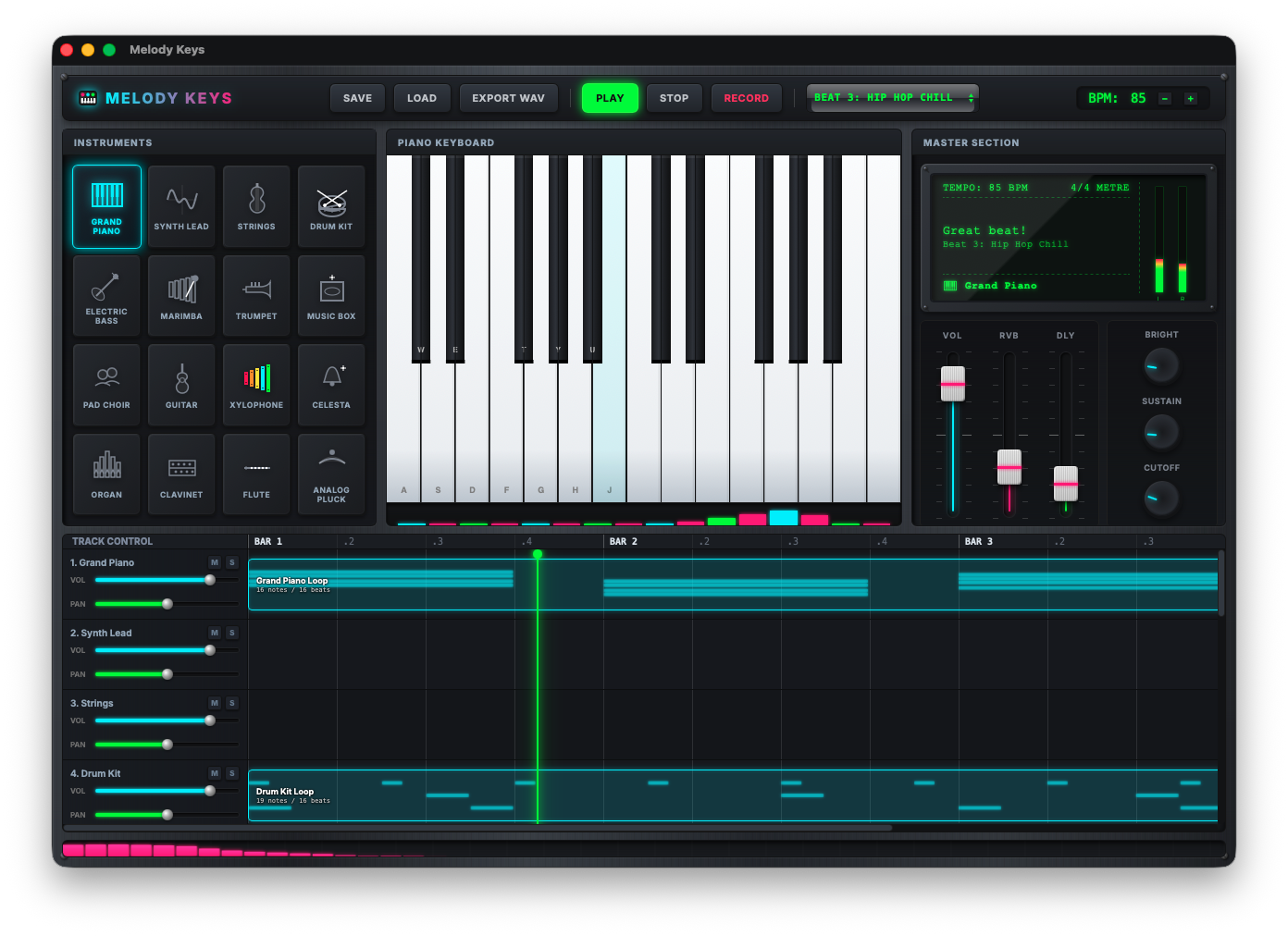
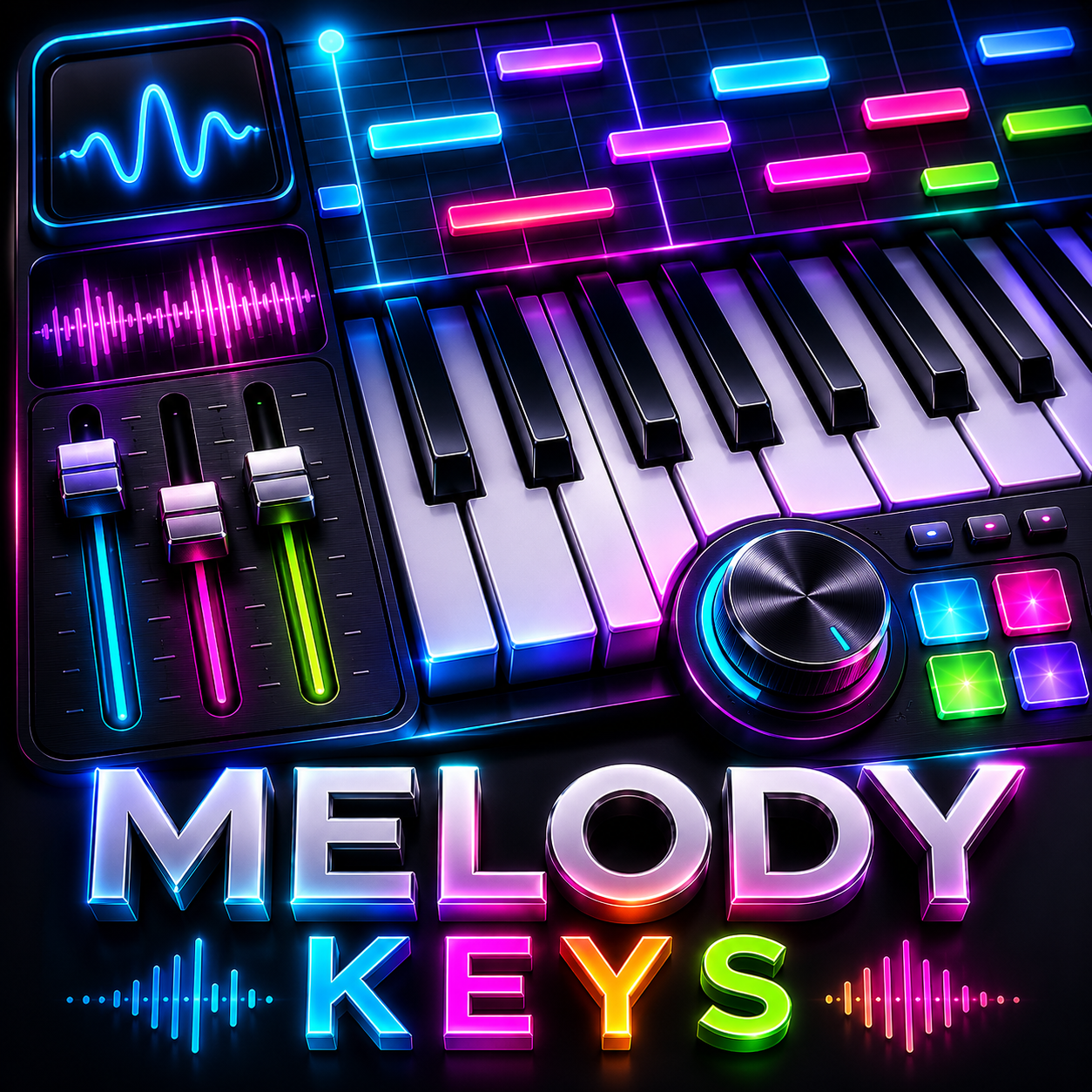
✔️ 16 instruments: Piano, Drums, Synth, Strings, Trumpet, Guitar + more
✔️ Drag & drop patterns · 16-track timeline · Neon visualizer
✔️ Vertical faders, FX, reverb/delay · Save sessions · Export WAV
Create music without limits
Melody Keys turns your Mac into a beautiful, glowing piano studio that anyone can enjoy — from young children to adults who love making music. No music experience? No problem. Just tap the piano keys, pick a sound, and start playing. When you create a pattern you like, drag it onto a track. Add more tracks. Build a song. It feels like a toy but works like a real studio.
A piano that becomes any instrument
Press a key and hear a piano. Switch to drums — now the same keys become kicks, snares, and cymbals. Switch to strings, synth, trumpet, guitar, or one of 16 total instruments. Every instrument fills the whole keyboard naturally: low keys play low notes, high keys play high notes. It's that simple.
Record patterns. Build songs.
Play a short melody or beat. Hit record. Your playing turns into a colorful block on the timeline. Switch to a new instrument, play another part, and send it to a new track. Drag your patterns anywhere on the timeline. Duplicate them. Stack up to 16 tracks. Before you know it, you've made a complete song.
Mix like a pro — but fun
Turn knobs to shape each sound. Make it sharp or smooth. Add sustain, attack, or reverb. Slide the vertical faders — just like a real mixing console — to control volume, pan, delay, and more. Every control glows with neon light against a brushed metal surface. It looks cool. It feels real. It's incredibly satisfying.
For kids. For adults.
Kids love tapping the glowing keys and seeing their patterns turn into colorful blocks. Adults love the depth: 16 instruments, per-track mixing, effects, session saving, and audio export. The interface is so clear that a child can figure it out in minutes. But underneath, there's enough power to produce real tracks.
16 instruments
Piano, drums, synth, strings, bass, trumpet, guitar, marimba, music box, choir, xylophone, celesta, organ, clavinet, flute & analog pluck.
Pattern timeline
Record patterns, drag & drop anywhere, duplicate across tracks. Up to 16 tracks for full arrangement.
SSL style faders
Vertical volume, pan, reverb, delay faders + tone knobs (sharpness, sustain, attack, decay, filter).
Save & export
Save your sessions, reload anytime. Export your finished song as WAV — ready to share.
Privacy Policy
Effective date: June 2025
Melody Keys respects your privacy. This app does not collect, store, or share any personal data. All music sessions, patterns, and audio exports remain solely on your Mac. No analytics, no tracking, no third-party SDKs.
Local Storage Only
Melody Keys saves your song sessions as local JSON files that you choose where to store. The app never transmits any data over the internet. Audio processing happens entirely on-device using Web Audio. No account creation, no login, no internet connection required after download.
Children’s Privacy
Because we collect no data, Melody Keys is safe for all ages. There are no in-app purchases, advertisements, or external links that collect information. Parents can have peace of mind while kids explore music.
Contact & Reviews
For any questions or support, please leave a review on the Mac App Store — we actively monitor feedback. We do not provide direct email support to keep the app 100% private, but App Store reviews help us improve and respond to feature requests.
This policy may update occasionally. Continued use of Melody Keys means acceptance of this policy.
Love making music?
Your feedback helps us shape the future of Melody Keys. If you enjoy the glowing piano and easy song building, please leave a review on the Mac App Store.
Reviews are read daily — every rating makes a difference.
Everything you get
Sixteen playable instruments including piano, drums, synth, strings, bass, trumpet, guitar, marimba, music box, choir, xylophone, celesta, organ, clavinet, flute, and analog pluck. A full piano keyboard playable with mouse or computer keys. A pattern recorder with quantization. A timeline with up to 16 tracks. Drag, drop, and duplicate patterns anywhere. Vertical SSL-style faders for volume, pan, reverb, and delay. Knobs for sharpness, sustain, attack, decay, and filter. A real-time neon visualizer that dances to your music. An LCD screen showing BPM, instrument, and status. Save and load your sessions. Export your finished song as a WAV file. A metallic hardware design with glowing neon accents.
No hidden costs. No subscriptions. Buy once. Own it forever. No in-app purchases. No ads. Just pure music-making. Download Melody Keys today and turn your ideas into songs — one glowing pattern at a time.