LabelGrid
Print Multiple Labels & Images in Perfect Grids
Download on the Mac App StoreWorkflow Previews
App Interface Screenshots
Key Features
Grid Printing Mastery
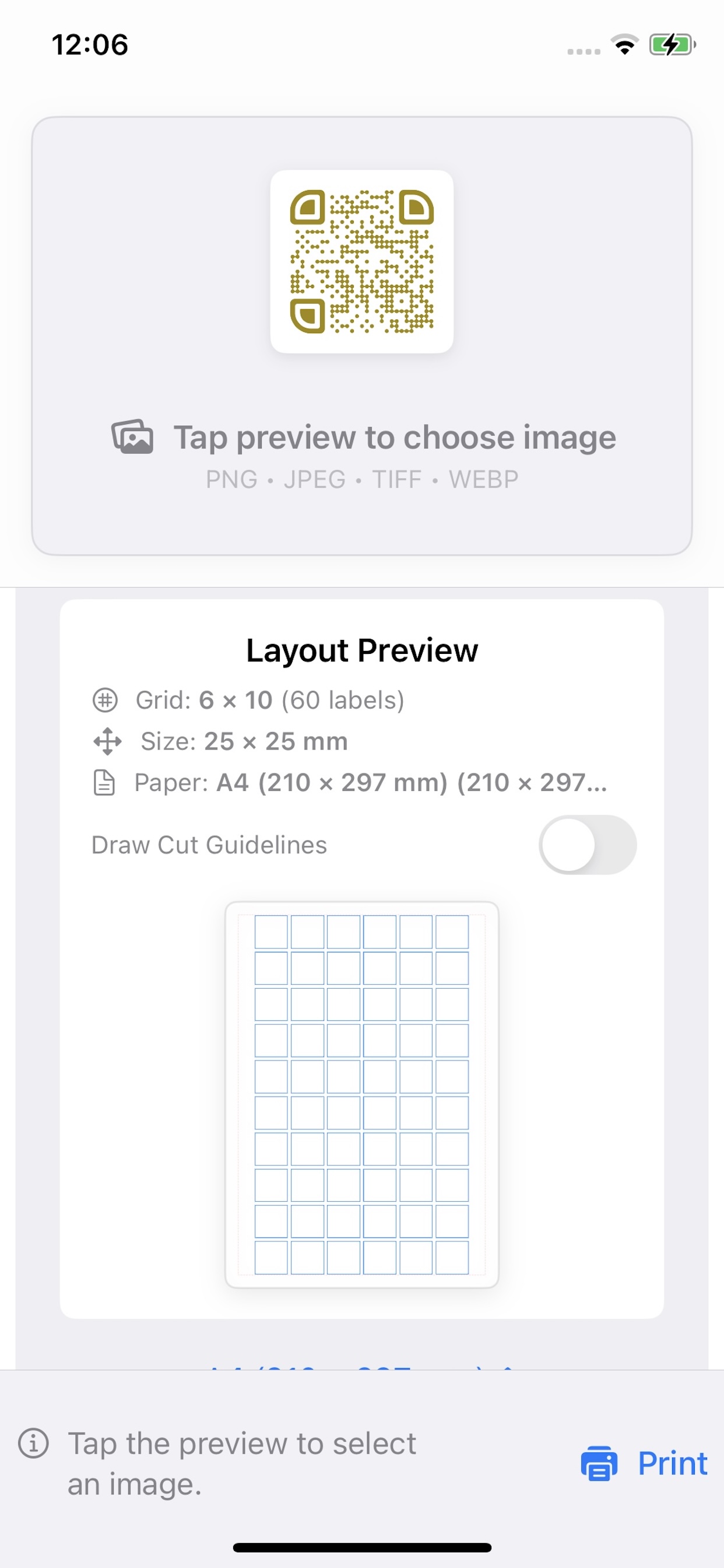
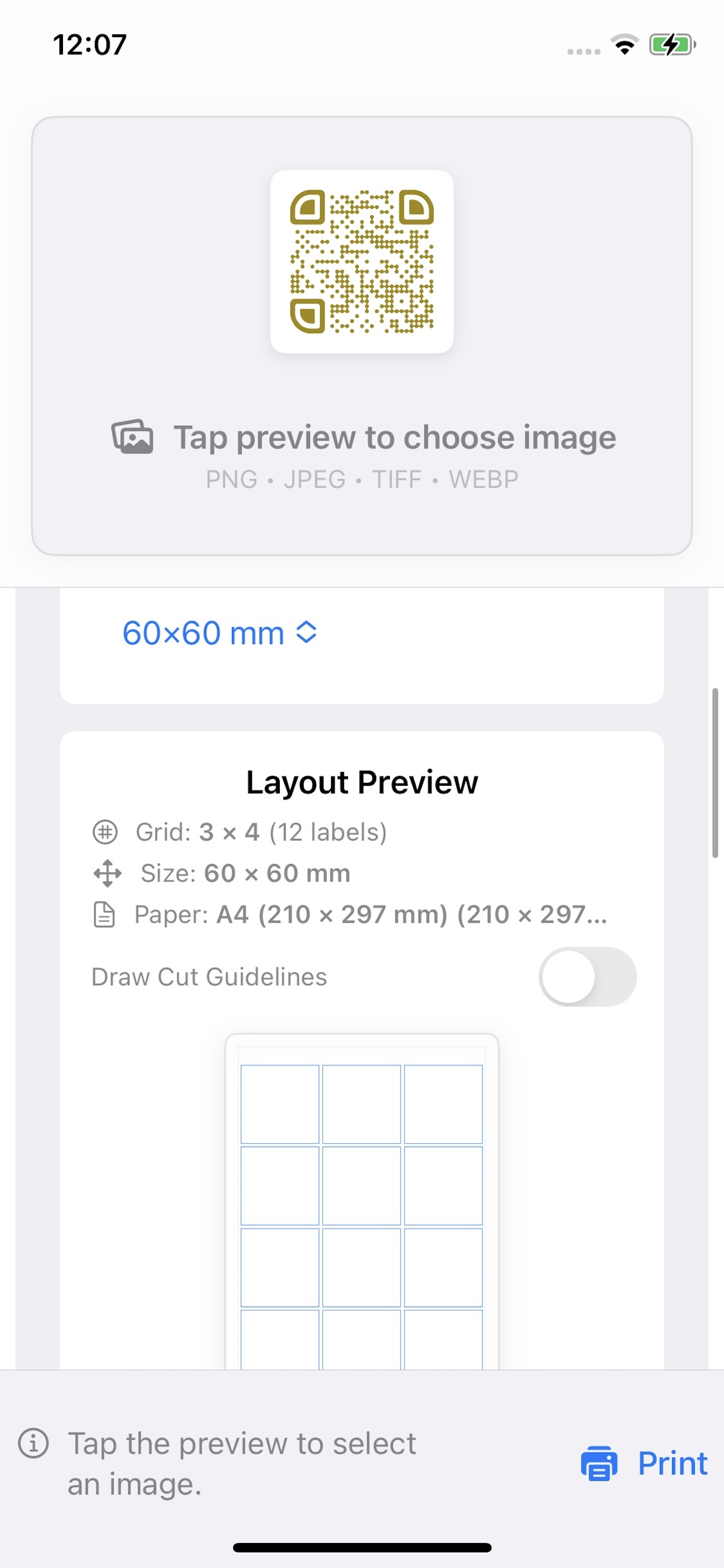
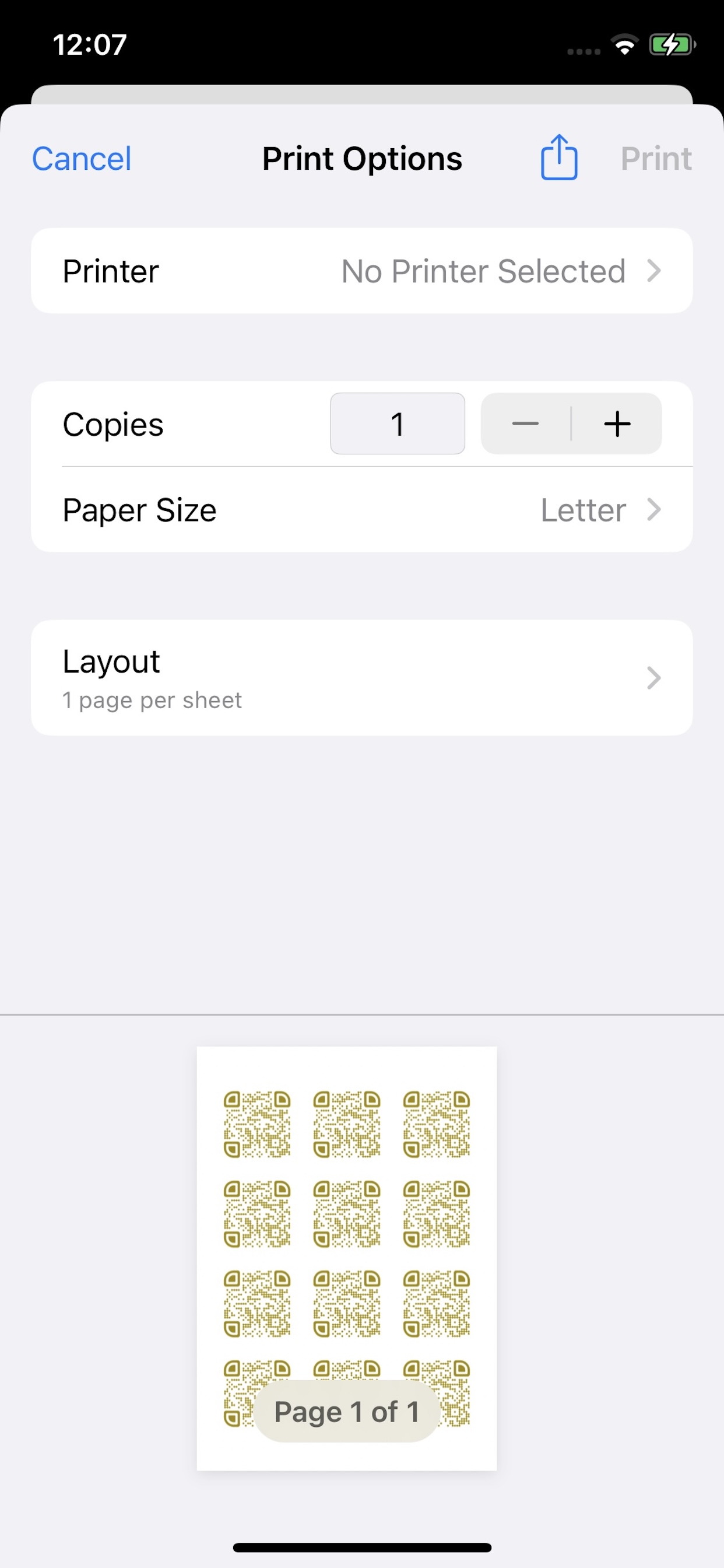
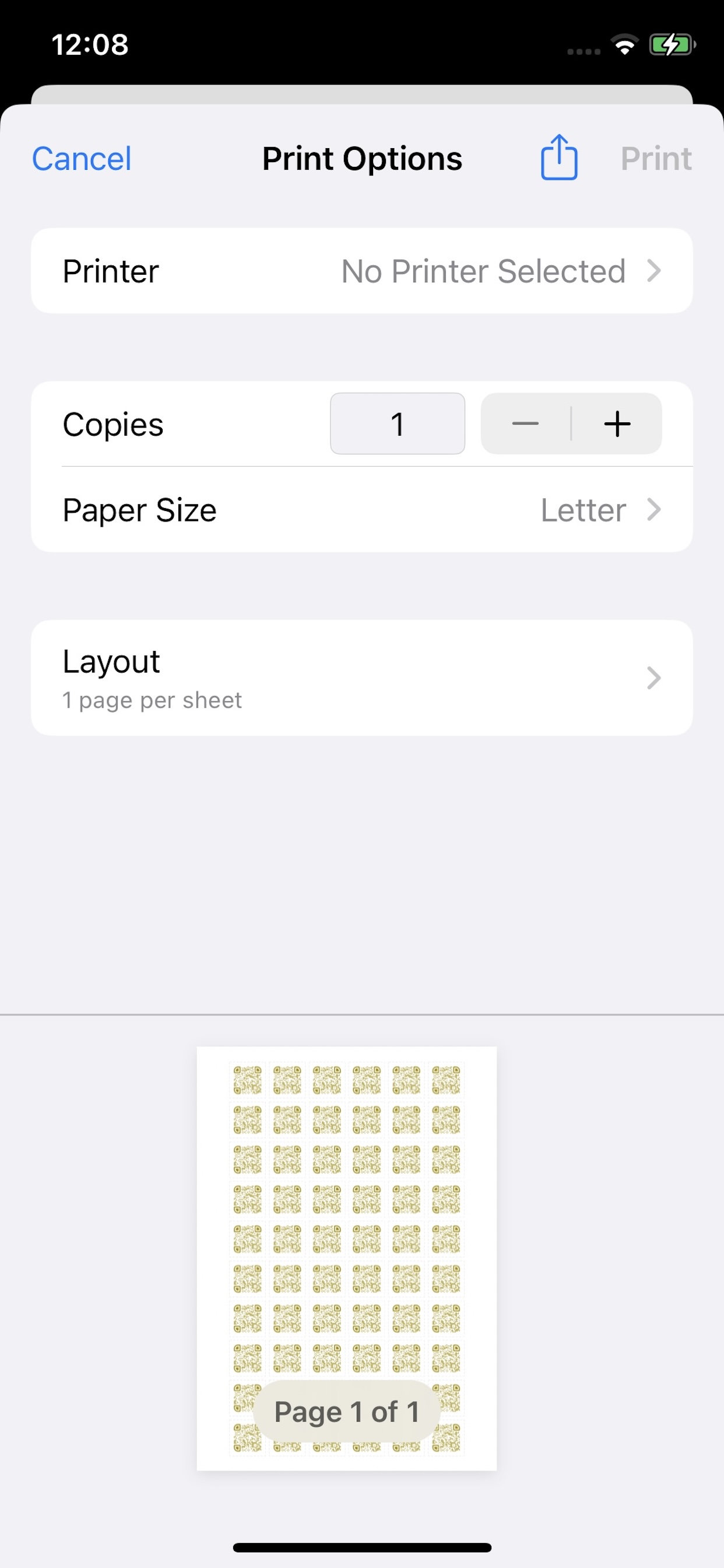
Automatically arrange images in perfect grid layouts configured specifically for standard labels and sticker sheets.
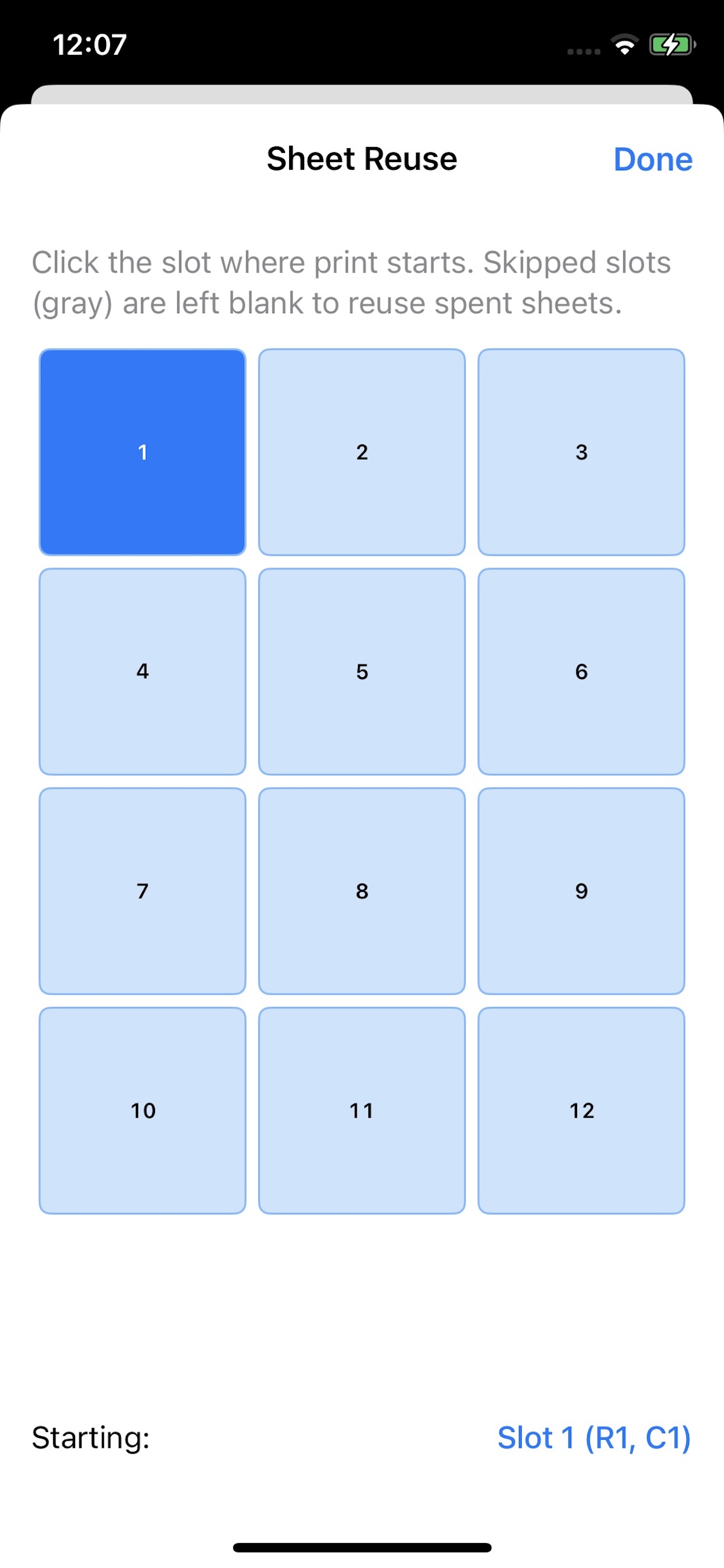
Smart Sheet Reuse
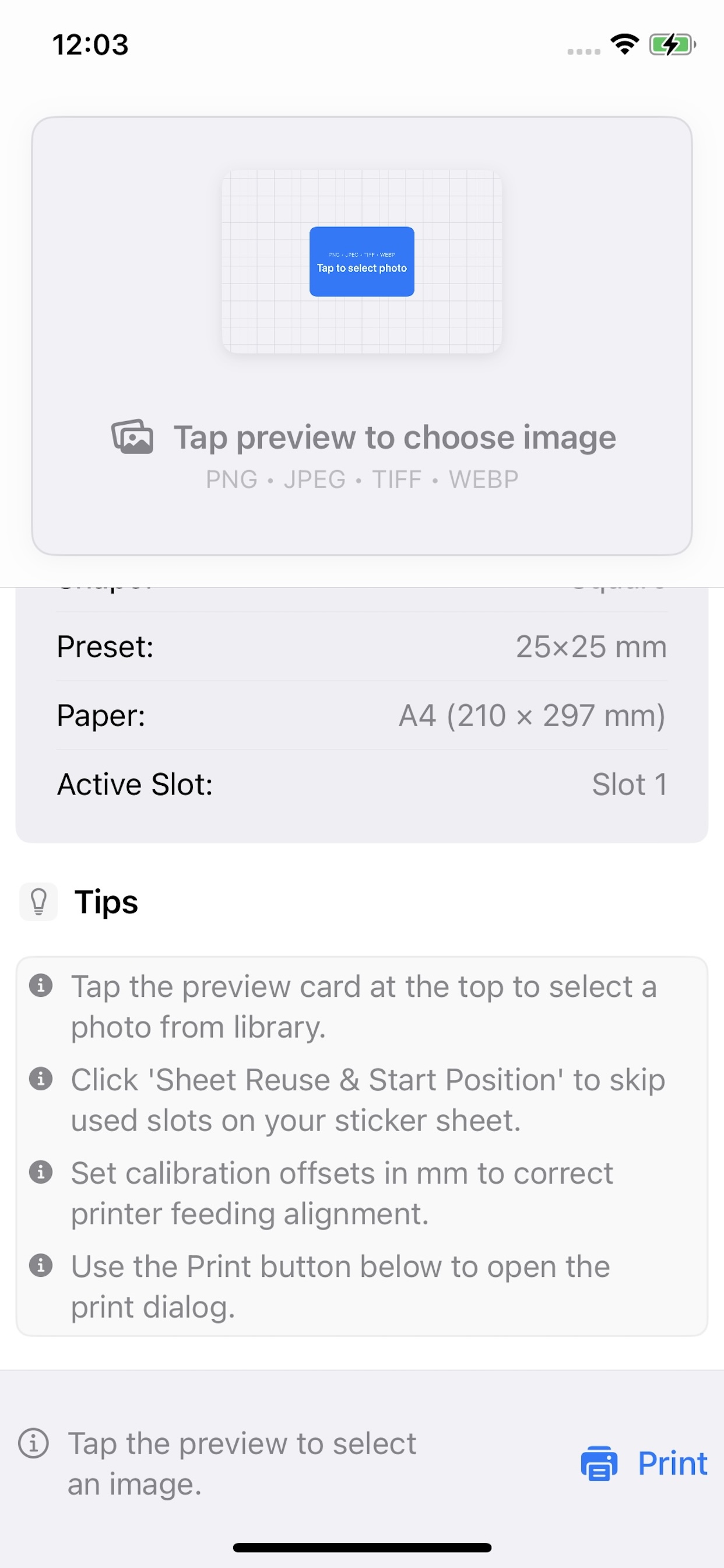
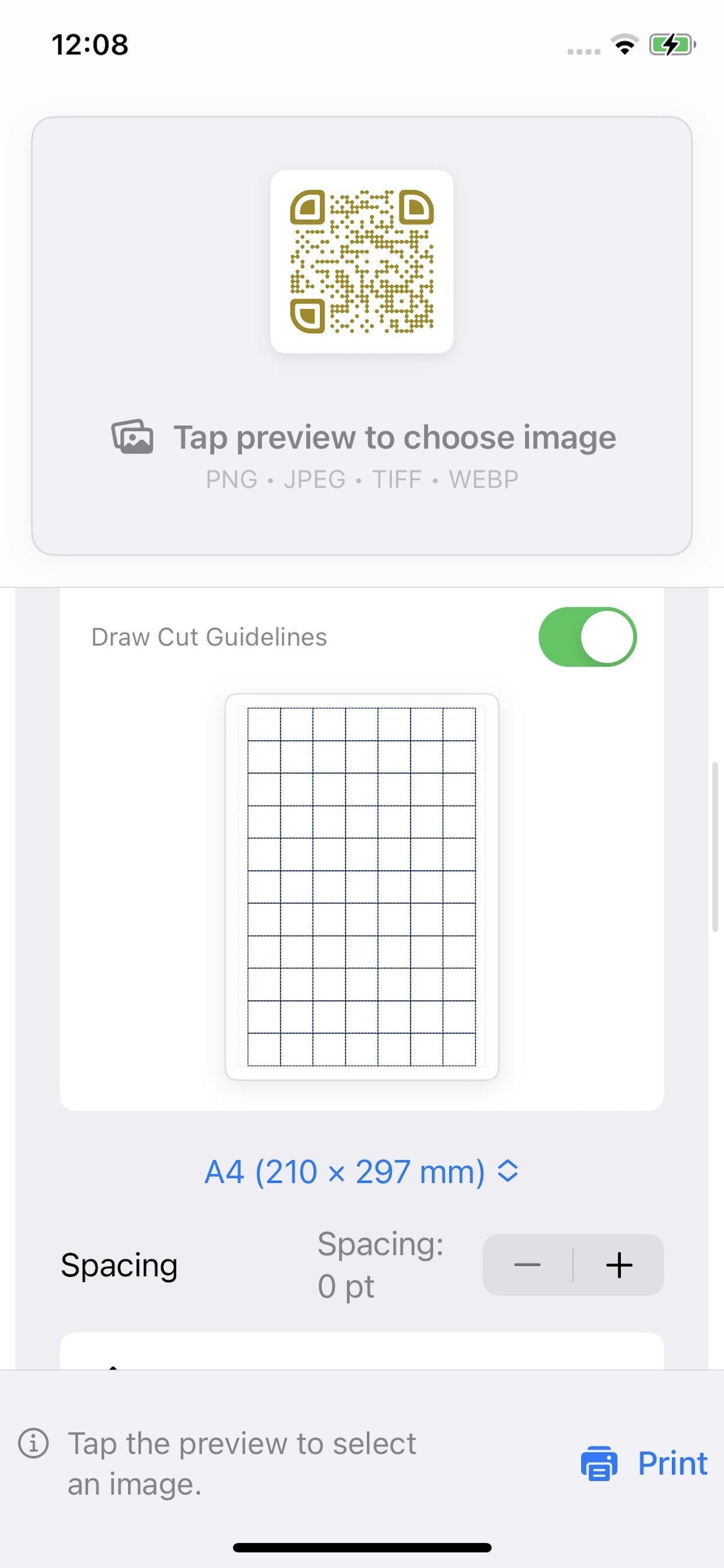
Skip already printed/peeled label slots on partially used sheets. Just tap a grid cell in the preview to select your starting slot.
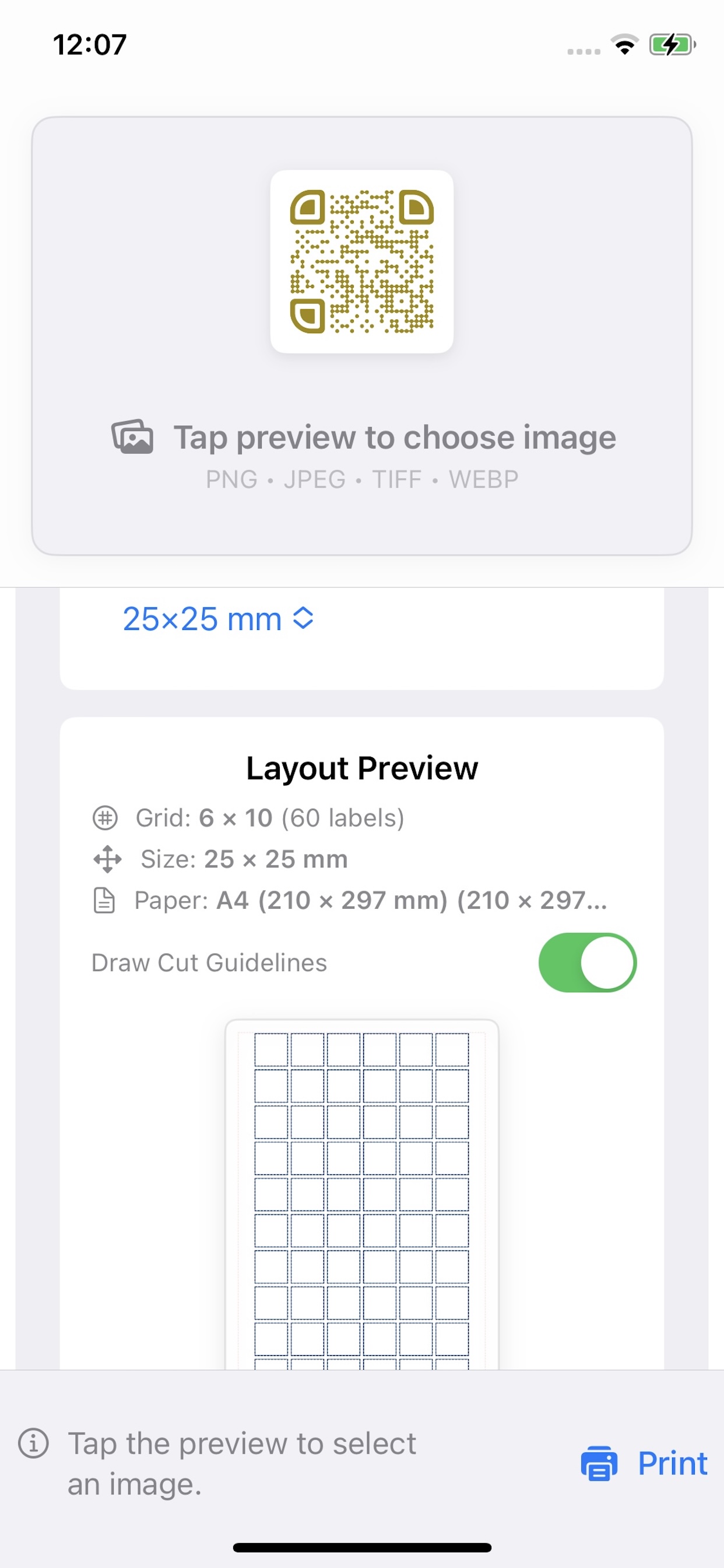
Dashed Cut Guidelines
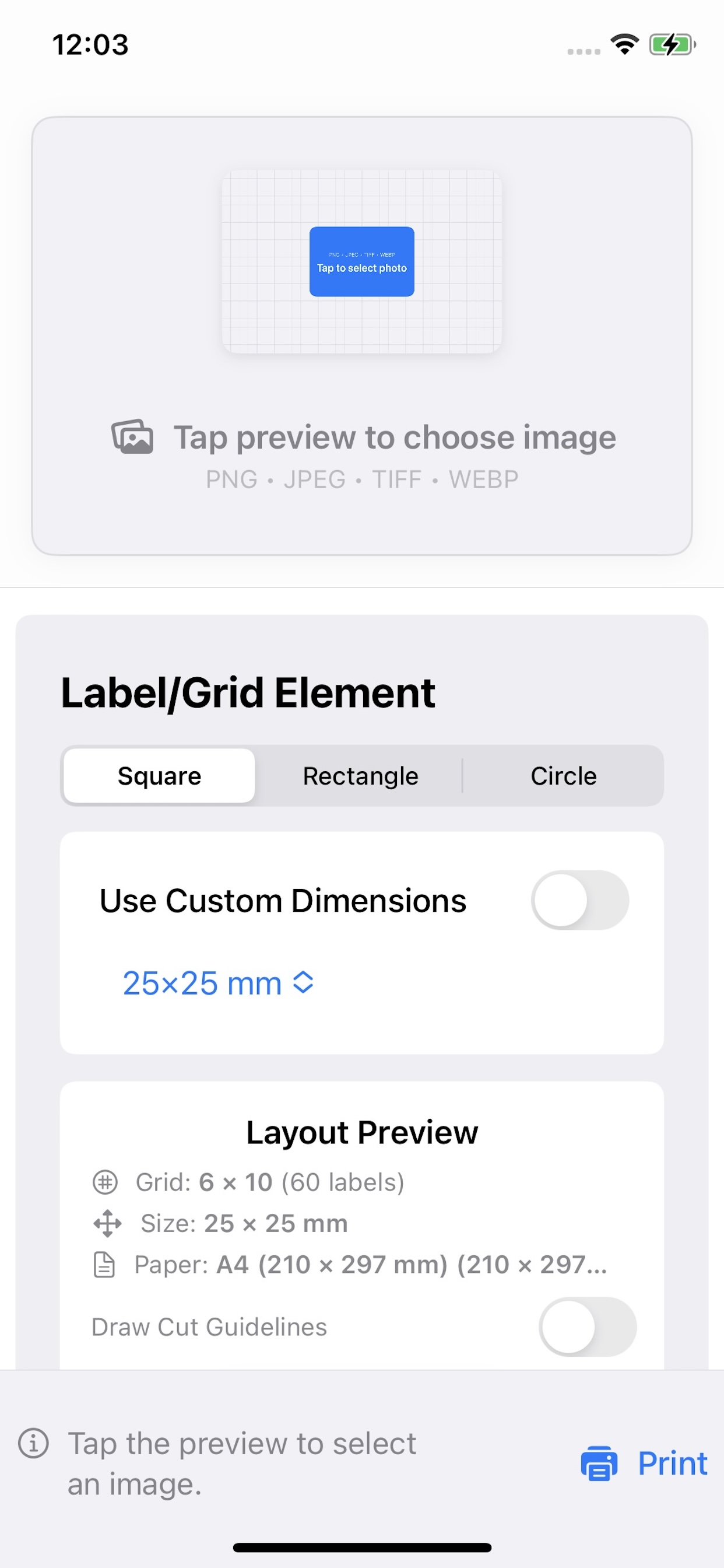
Toggle dashed borders around shape grids. Ideal for print jobs that require clean manual scissor or paper-cutter alignments.
Millimeter Calibration
Fine-tune the horizontal and vertical sheet alignment (X/Y Offsets in mm) to ensure perfect prints on physical sticker sheets.
Presets & Sizing
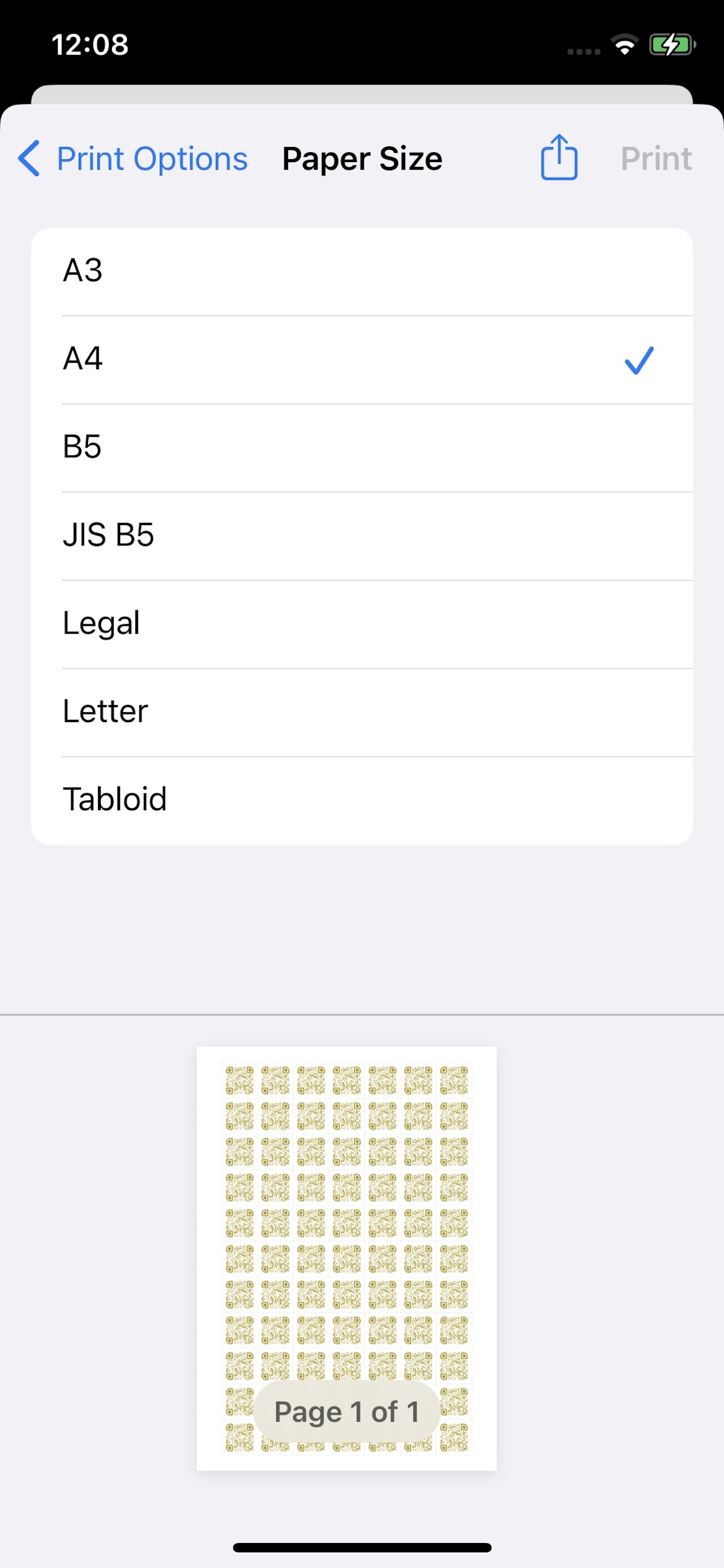
Works out of the box with standard formats (A4, A5, Letter, Legal) and shapes (Rectangle, Circle, Square, Custom mm size).
macOS & iOS Universal App
Synchronized codebases for Mac and Mobile. Design grids at your desk or print on the go using AirPrint directly from your phone.
Support & Feedback
We are dedicated to making label printing effortless. Since our application operates fully offline without tracking, the easiest way to request help, report bugs, or suggest features is through our App Store review channel.